




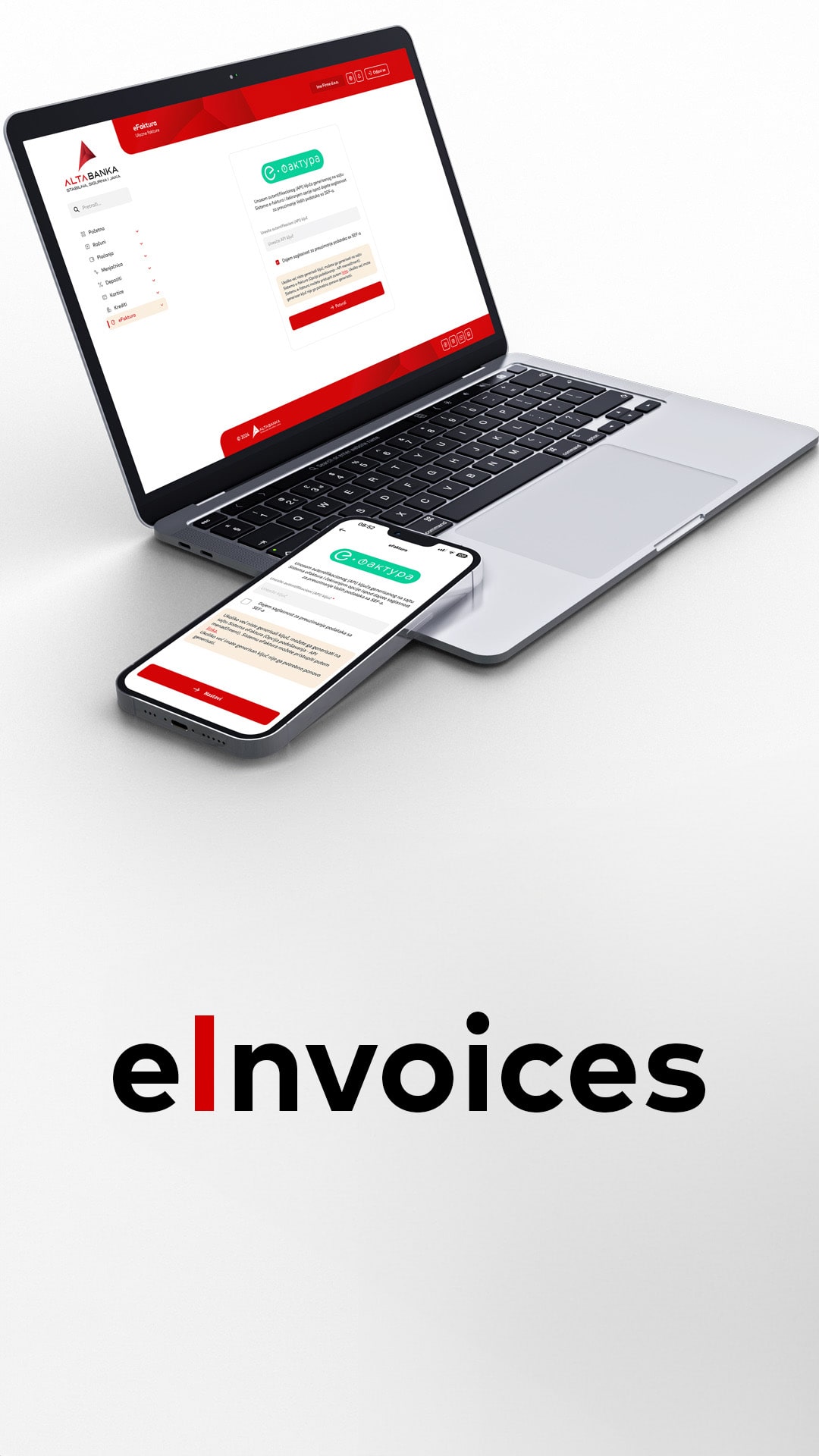
eInvoices
New functionality in the ALTA mBank and ALTA eBank application, which enables you to manage your eInvoices through direct integration with the SEF of the Ministry of Finance of the Republic of Serbia

New functionality in the ALTA mBank and ALTA eBank application, which enables you to manage your eInvoices through direct integration with the SEF of the Ministry of Finance of the Republic of Serbia
With the new version of ALTA mBank and ALTA eBank applications, access the SEF directly.
Within the new functionality, you have the ability to:
- View all invoices issued to your company through EIS
- Ability to change status (accept or reject invoice)
- One-click invoice payment
- Ability to download/print incoming invoices in PDF format
- Review of outgoing invoices
With the new version of ALTA mBank and ALTA eBank applications, access the SEF directly.
Within the new functionality, you have the ability to:
- View all invoices issued to your company through EIS
- Ability to change status (accept or reject invoice)
- One-click invoice payment
- Ability to download/print incoming invoices in PDF format
- Review of outgoing invoices
How to activate eInvoices?
- eInvoices can be activated by all ALTA mBank and ALTA eBank application users (legal entities and entrepreneurs) who are already registered on the SEF.
- After logging into the application, the user initiates the eInvoices option (in the Other menu of the ALTA mBank application, or in the main menu of the ALTA eBank application).
- To activate the functionality, the user needs to enter the API key, which is generated on the eInvoice portal
How to activate eInvoices?
- eInvoices can be activated by all ALTA mBank and ALTA eBank application users (legal entities and entrepreneurs) who are already registered on the SEF
- After logging into the application, the user initiates the eInvoices option (in the Other menu of the ALTA mBank application, or in the main menu of the ALTA eBank application).
- To activate the functionality, the user needs to enter the API key, which is generated on the eInvoice portal
